Flame On

Today we’ll be looking at how I created a flame thrower prop. In the wasteland, a good flamer thrower is an invaluable weapon against the horde, but proper flame throwers are hard to come by. But fear not, with a little Macgyvering you can build your own!

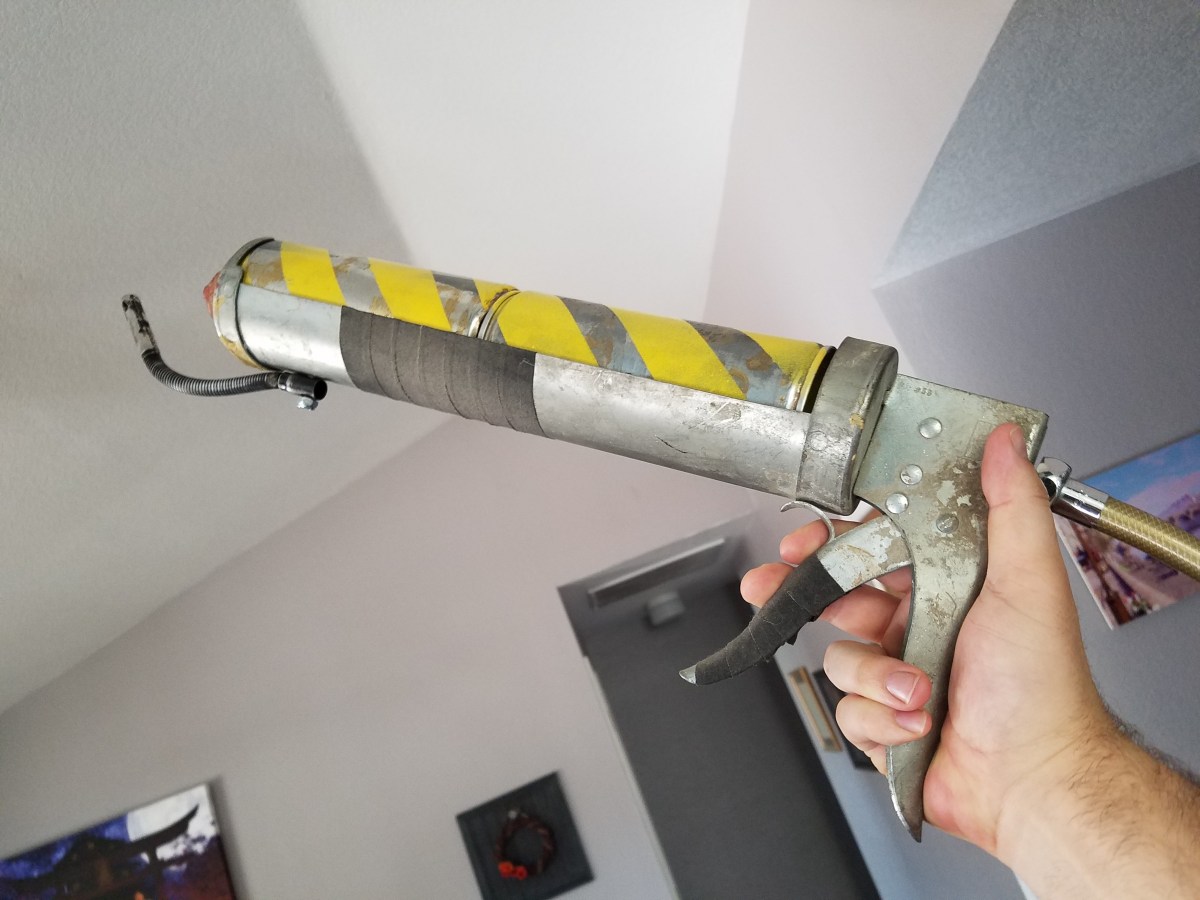
While I was perusing a local thrift store, I came across a larger than average caulking gun. It looked pretty old and beat up, and metal. It was a good starting place.

To fill the trough, I needed something that would fit snug and look like it could hold the pressurized fuel. I had a bunch of empty spray paint cans lying around, and they fit snug as a bug. First step was cutting off the top of one. I made sure it was super extra empty so I didn’t get a nasty surprise when I cut into it. 20171011_221906
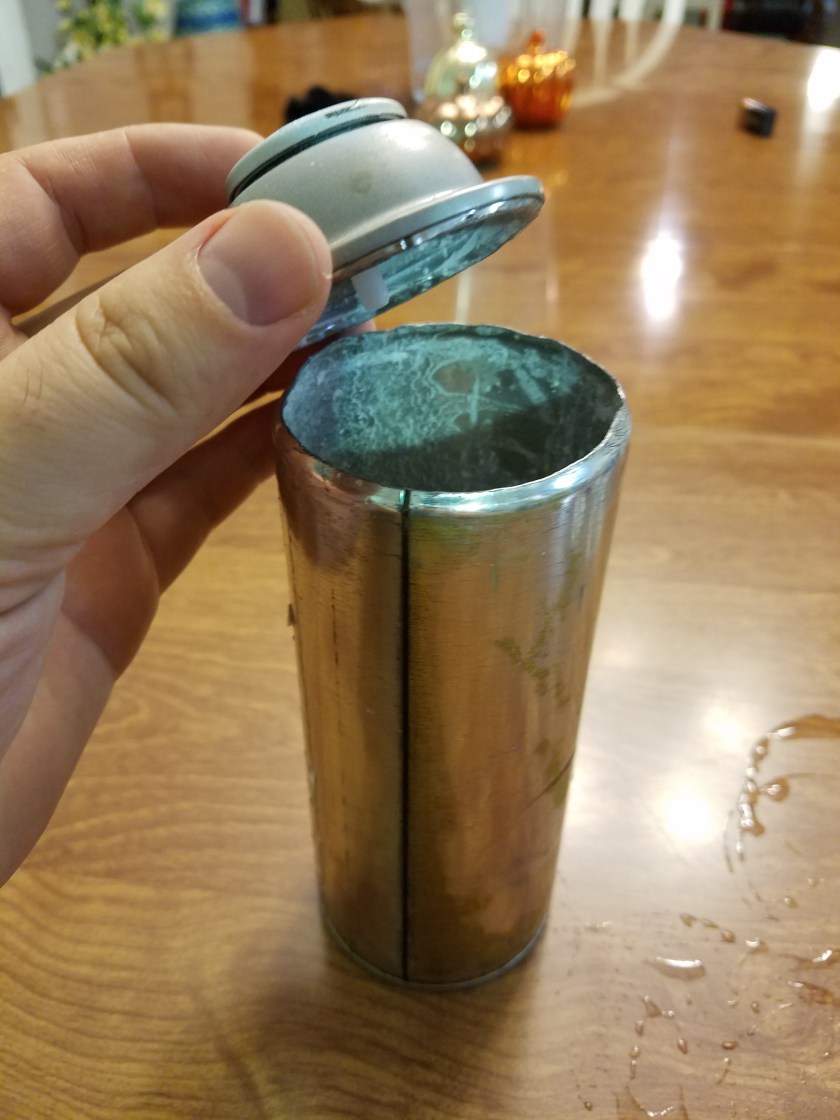
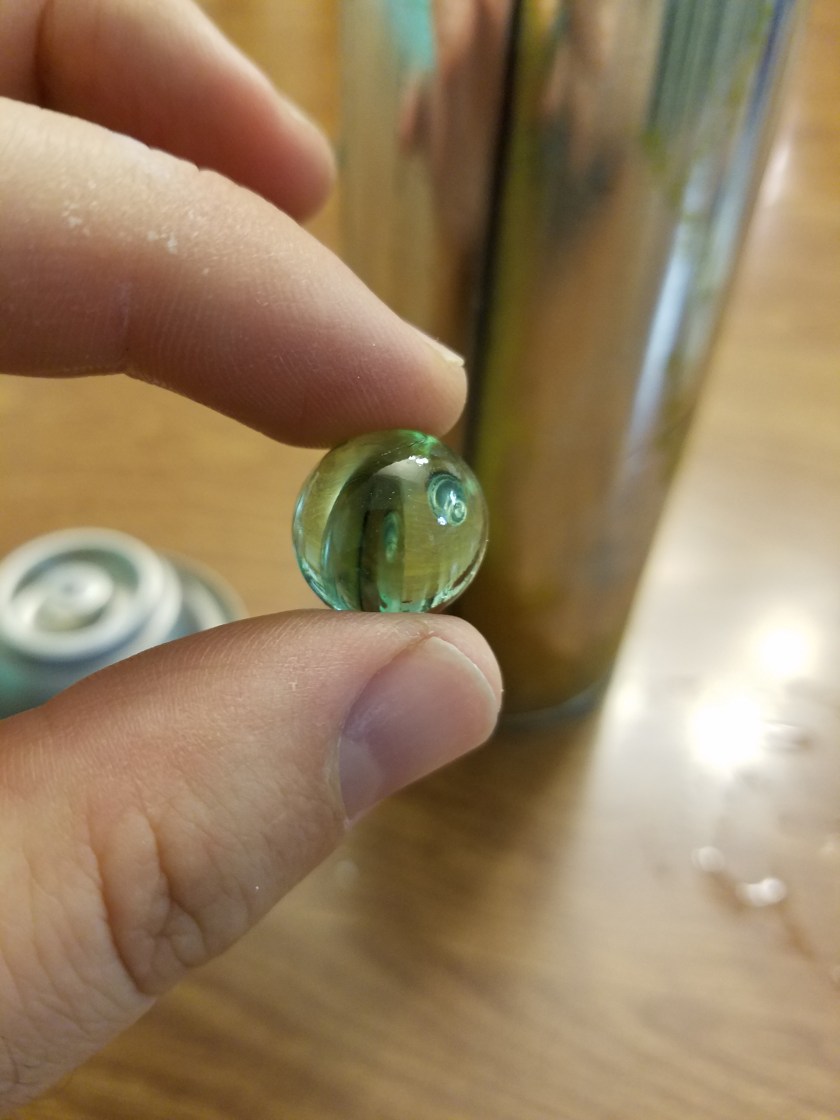
Have you ever wondered what that thing rattling around inside a spray paint can is? Turns out, it’s a marble! When knew?
20171011_221920

I cut the top off for 2 reasons. One was so that two cans could fit together, and two was to be able to use the top as the end of the flame thrower. I needed a nozzle for the end, and I happened to have a smart water bottle lying around, and I like the look of the tip.
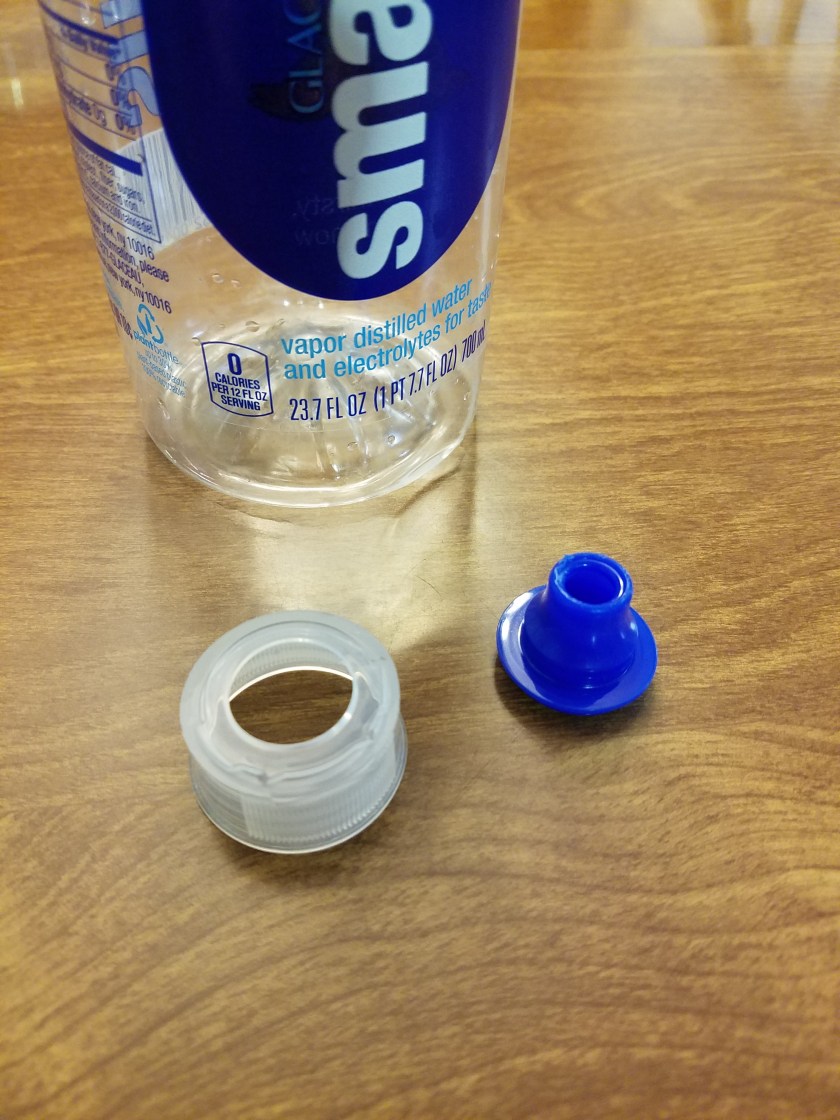
20171011_221937

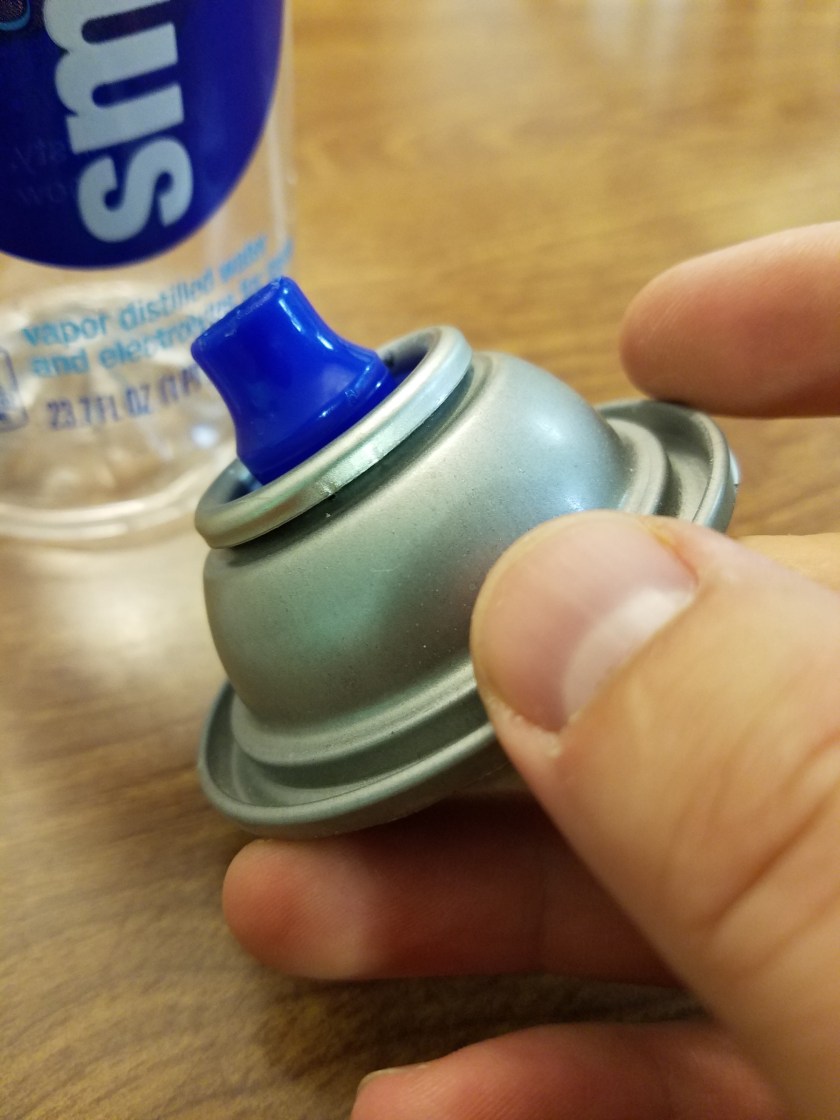
As providence would have it, the tip fit EXACTLY onto the spray paint can top. It snapped right in. Didn’t need glue or anything. Tender mercies.
20171011_222010

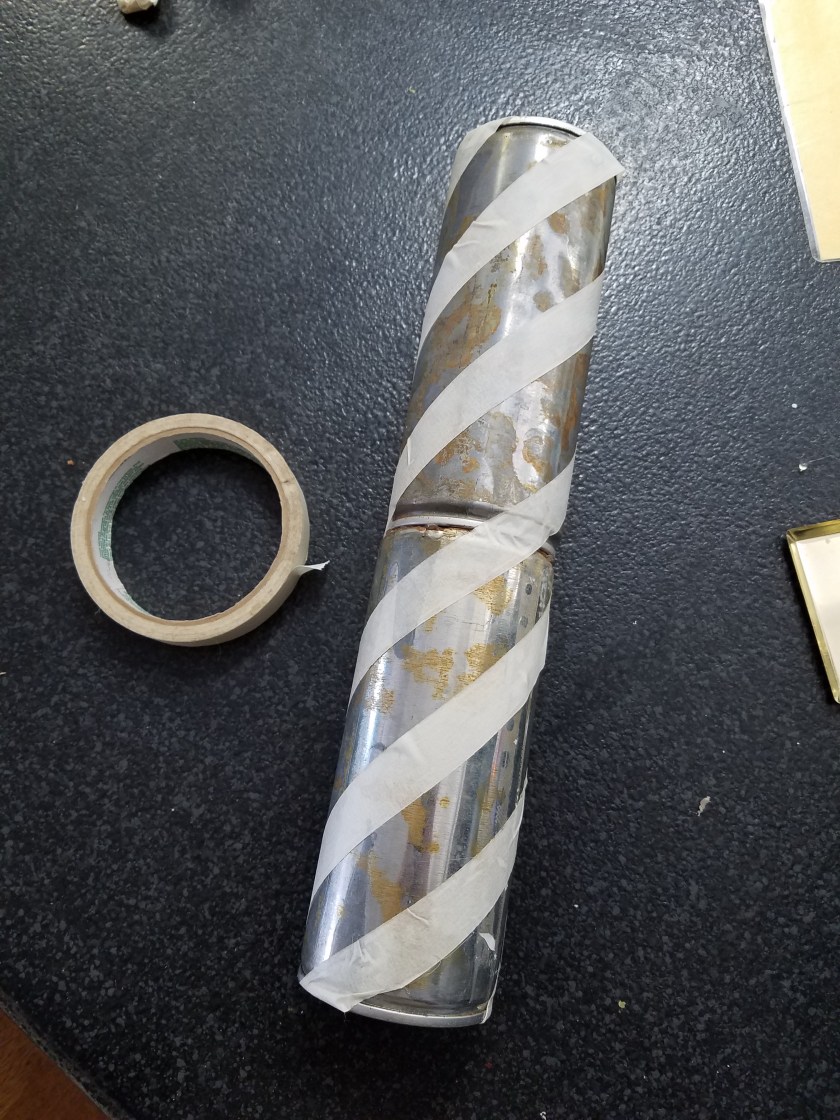
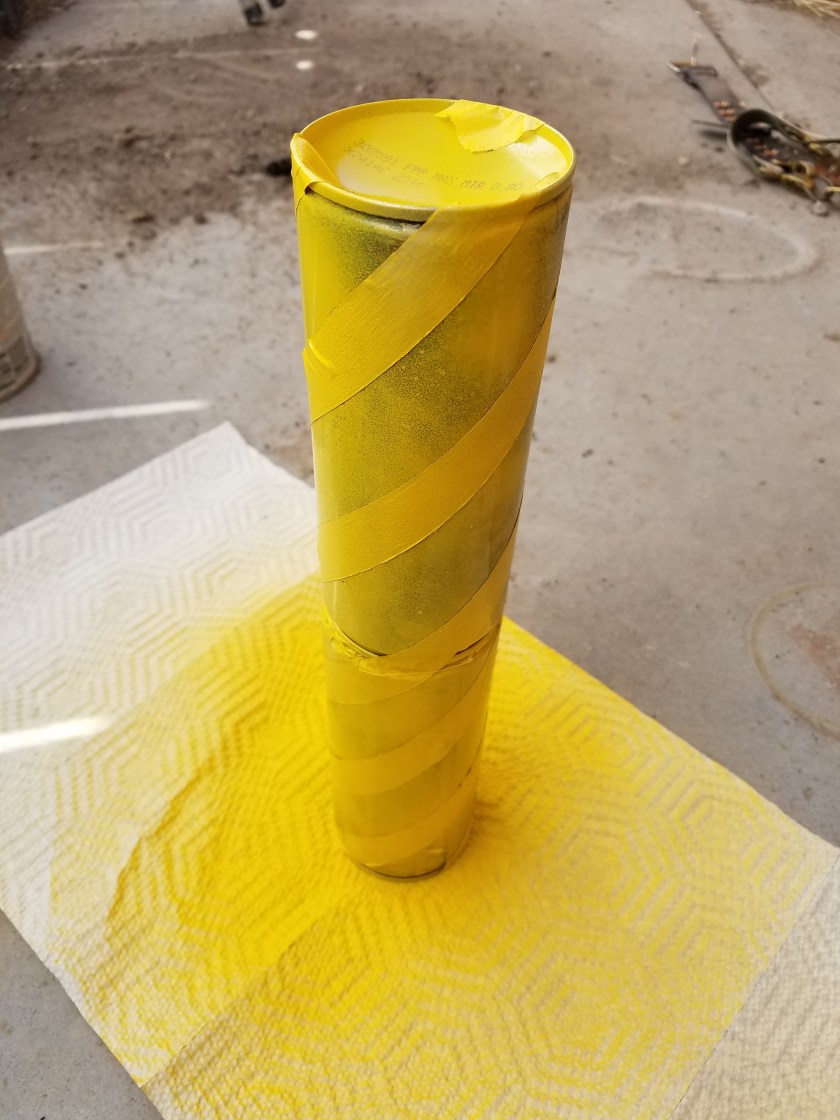
Next I wanted to paint the cans to help give them an industrial/dangerous feel. I masked them off with masking tape and then painted them yellow.
20171014_114933

20171014_115951

For the pilot light, I had a lighter lying around with a bendy neck, like this one:calico-brands-bouiif-1-72-cs-flexible-neck-utility-lighter_3251697

I took it apart, being careful not to blow myself up. I sanded off some of the black paint, drilled a hole in the caulking gun and attached it with a nut and bolt.

I found a sink hose at a thrift store. There was already a hole in the back of the caulking gun where I removed the plunger thingamajig, so I fed through a bolt and glued it into the end of the hose.
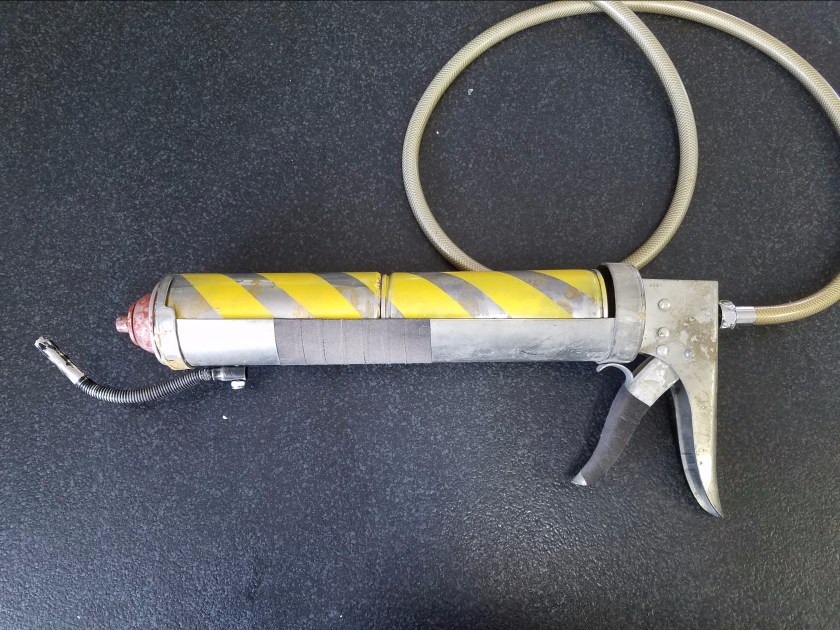
20171027_151430.jpgFinal Touch was to add some grip tape to the trigger and fore grip, glue in the tanks and nozzle, and give the nozzle a bit of rusty paint, and give the whole thing a touch of dirt. Mutants beware.
I model on the side…

Today I’m taking a break from costume creation to focus on digital content. Now some people don’t know this, but much of what you see in movies and TV these days, isn’t actually real. No seriously, it’s what we call CGI, or computer generated imagery. It only looks real.

For our backdrop this year, it’s looking like it will be primarily CGI, and I will be doing most of the modeling myself. How does one make a 3d model on a computer? Well, I’m glad you asked. There’s a few different ways to go about it, but for the bus stop I created today, I did what’s commonly called box modeling. As you will see, I literally start with just a box, and begin to tweak it, stretch it, and mold it into what I want it to be. You can start with a box, a cylinder, a sphere, a plane, or any number of primitive geometric shapes, but the principle is the same. Then you turn on your favorite Spotify playlist, get in the zone, and before you know it, it’s done! It’s just that easy folks. I modeled this bus station in 2 minutes and 15 seconds flat. Here’s the video to prove it. Thanks to my brother Matt for providing the music. I stole it off his Soundcloud. I’m sure he’s cool with it…

Kinda nifty, huh? What happens after you model it? Another astute question. I just so happen to have also modeled this street light. Spoler alert: It’s gonna be an urban scene. Here’s the street light in quesion:

StreeLightModeled

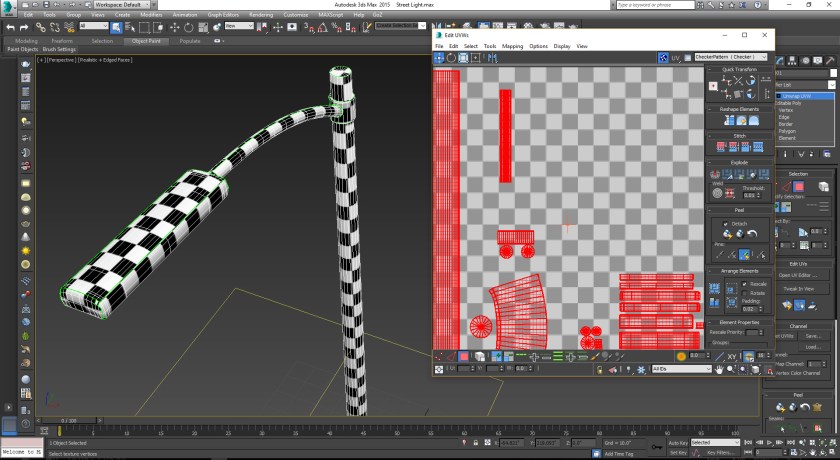
Pretty simple stuff. I just started with a bunch of cylinders for the base, the pole, the coupler and arm, and a box for the head. The next step is called UV layout, and it suuuuuuucks. Generally regarded as the most tedious and least fulfilling part of 3d modeling, but it must be done.

StreetLight_UV

Here I am in the UV editor. Laying out UVs is like skinning things. Like skinning a deer so you can stretch the pelt to make leather, it needs to be flat. In order to map textures onto any 3d model you have to skin it and lay it out flat. It’s all very tedious and boring, so I’ll just mention that the point of the checker pattern is a tool to make sure that the different sections are sized the same. Once that’s done, the fun can begin.

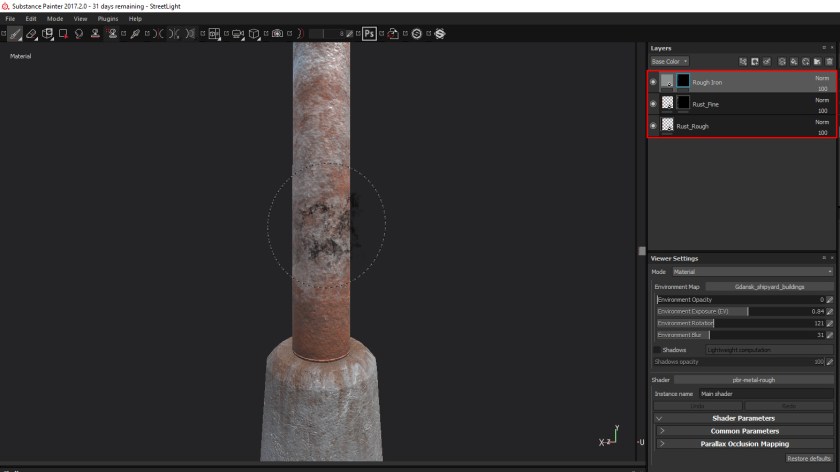
StreeLightLayers

The next part is texturing, which is the reward you get for suffering through the UV layout. I’m using a new program for me called Substance Painter. It lets you paint directly on the model using materials. So you can see in the Layers panel in the top right, I have a rough iron, rough rust, and fine rust, and I can use a paint brush to blend them together. It works very well. You can see on the concrete base where I painted in some rust streaks coming off the pillar.

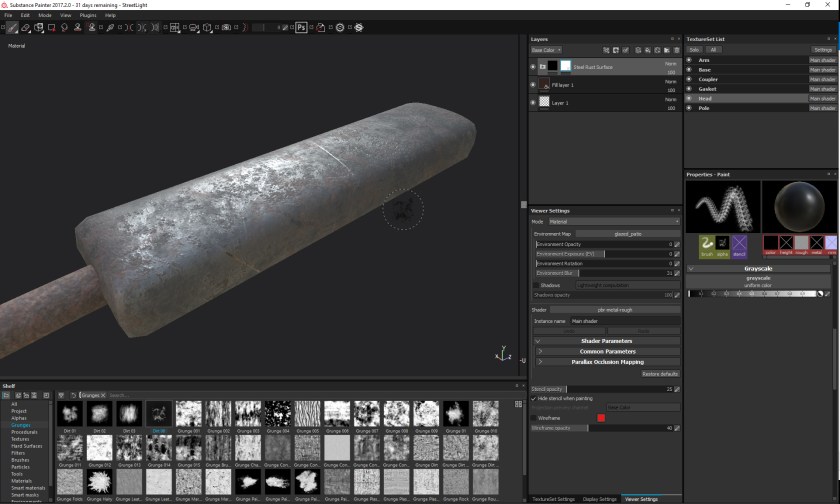
StreetLight_Head

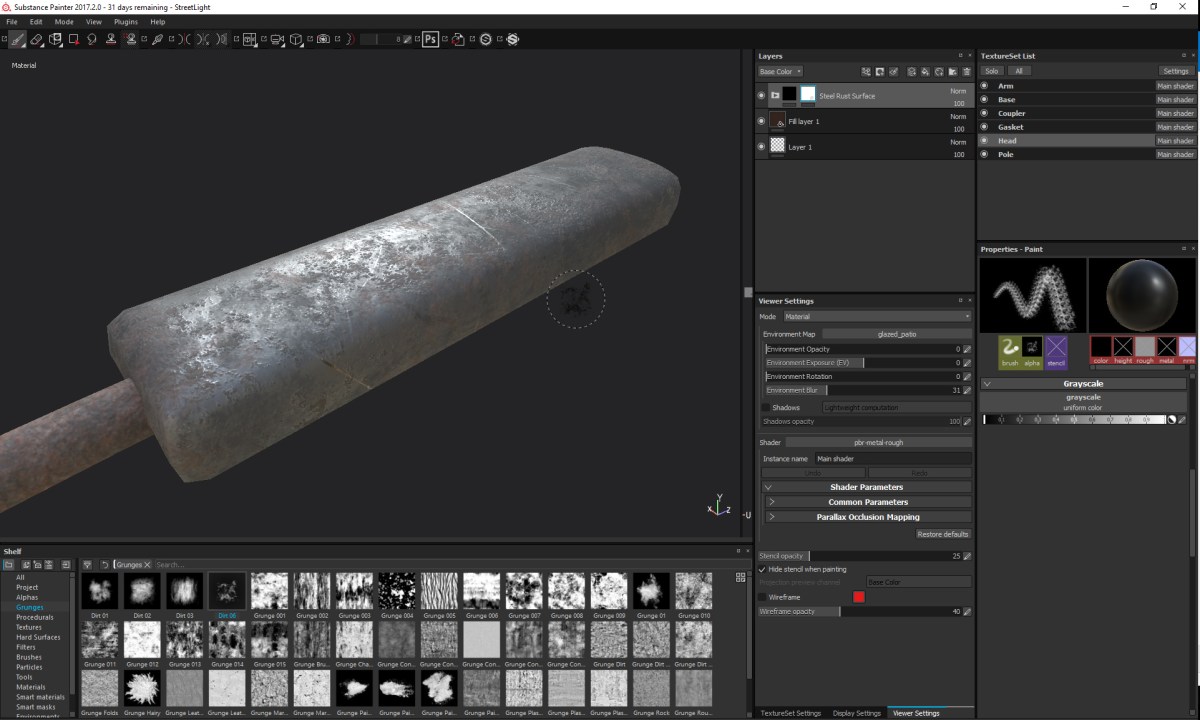
Here’s a view of the head of the streetlight. I’m adding some rust. Surprised?

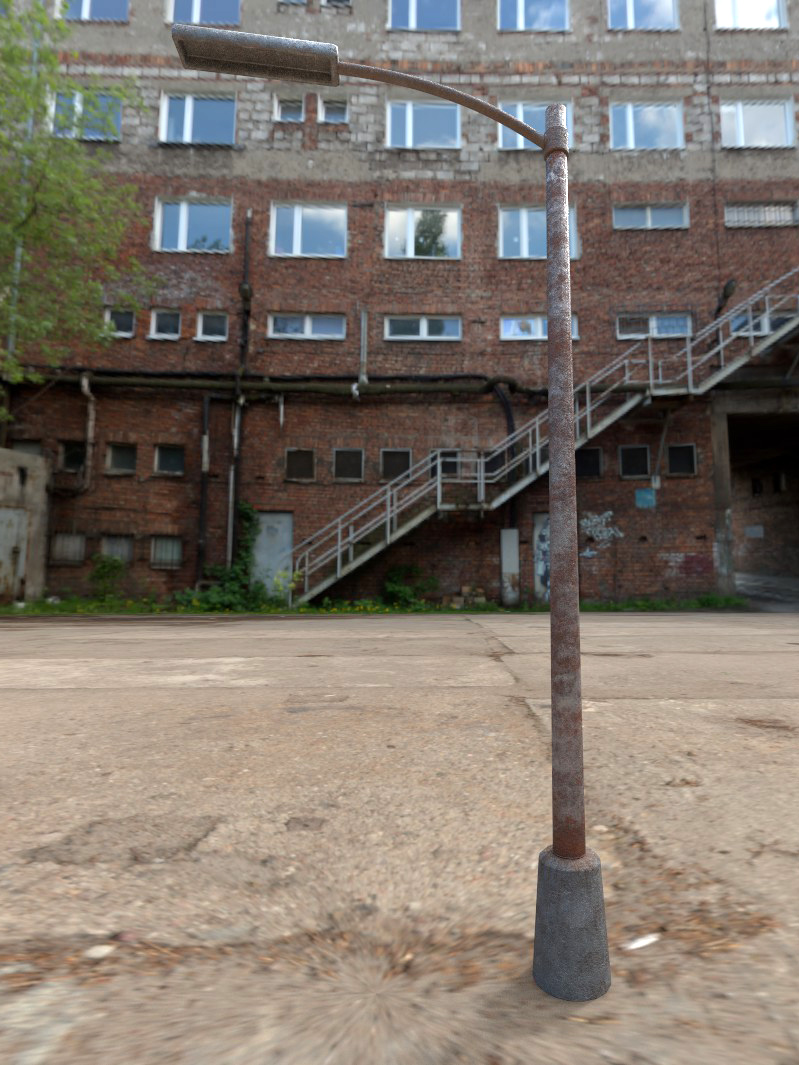
StreeLightRender

Here’s a test render of the finished model. The environment is just for testing purposes, but it’s pretty close to what’s in my brain. Anyways, we’ll need to add some lights to this lamp post, but besides that, I think it’s done! Actually, now that I’m looking at it… I think it needs more rust….